Teaching with Silinx
User's guide · English · Português
Silinx was made for a digital systems course: the examples, the labs, the grading and the sharing are a teacher's tools.
The examples
Each example is a complete project, with its test bench, that builds and runs on every supported board. They go from the first gates to a microprocessor:
| Example | What it shows |
|---|---|
| gates | logic gates drawn as a schematic: a first project |
| breadboard | 74LS chips wired on a breadboard: a digital circuit |
| traffic | a pedestrian crossing: a state diagram, Boolean algebra, VHDL and Verilog |
| blinky | VHDL and Verilog, an ASM chart, the board's display |
| pong | a game for two, in Verilog |
| stopwatch | VHDL, a block RAM and the multipliers |
| clock | a clock set with the buttons, in Verilog |
| vga | a picture on a VGA monitor |
| isqrt | a C function made into hardware |
| uart | serial communication with a terminal |
| micro80 | a microprocessor running a program from a block RAM |
| lock | a combination lock made of every kind of source at once: VHDL, Verilog, a schematic, a state diagram, a truth table, a Petri net, an ASM chart, a digital circuit, C and C++ |
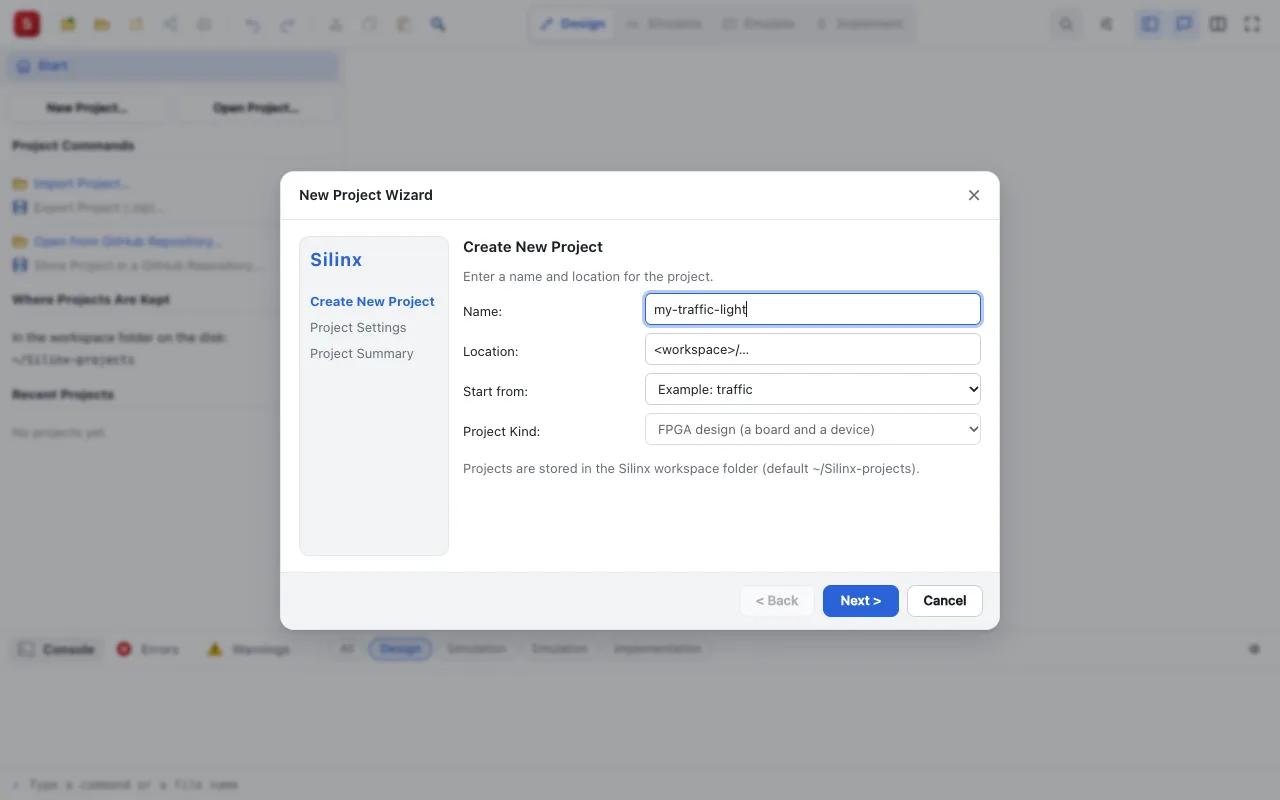
New Project… starts from any of them.
Guided labs
Project ▸ Guided Labs… opens a step-by-step tutorial beside the project: each step says what to do, and Check Step checks it on the project (a file, a module's ports, the warnings, the simulation's values, a pin…). Silinx ships labs on gates, traffic, blinky and stopwatch, in English and Portuguese, and a teacher writes new ones (New Source ▸ Guided Lab).
Exercises graded automatically
An exercise's tests simulate the student's design and give each test its verdict and points, as Mooshak does for programs: in the interface, on the command line for a whole class, or as a GitHub Classroom assignment. See automatic grading and GitHub Classroom.
Sharing
- A design in a link, for the slides: Share Project… makes a link that opens Silinx on the design, straight in Try it, the simulation or the board emulator, the whole project inside the link. Or a QR code.
- Live: share the project as you work; the class follows read only, or edits with you. From the site, your followers connect to you directly; a relay of your own, free on Cloudflare, finds them and carries the messages of those whose network blocks a direct path. Reloading the page, yours or a follower's, resumes it: the same links, the followers back by themselves.
- Merge Contribution… brings a student's or a group's copy back into the project, a drawing merged by its objects.
- GitHub: a project in a repository (commit, push, pull, branches), a GitHub Classroom assignment too.
In detail: the features.