Boards and toolchains
User's guide · English · Português
From the design to the board: synthesis, place and route, the bitstream, and the board programmed. Silinx does it with its own open toolchain (Yosys for the synthesis, nextpnr for place and route, Silinx's bitstream writer), in the browser, with nothing installed.
| Blinky on a Nexys2 (Spartan-3E) | Blinky on an iCEBreaker (iCE40) |
|---|---|
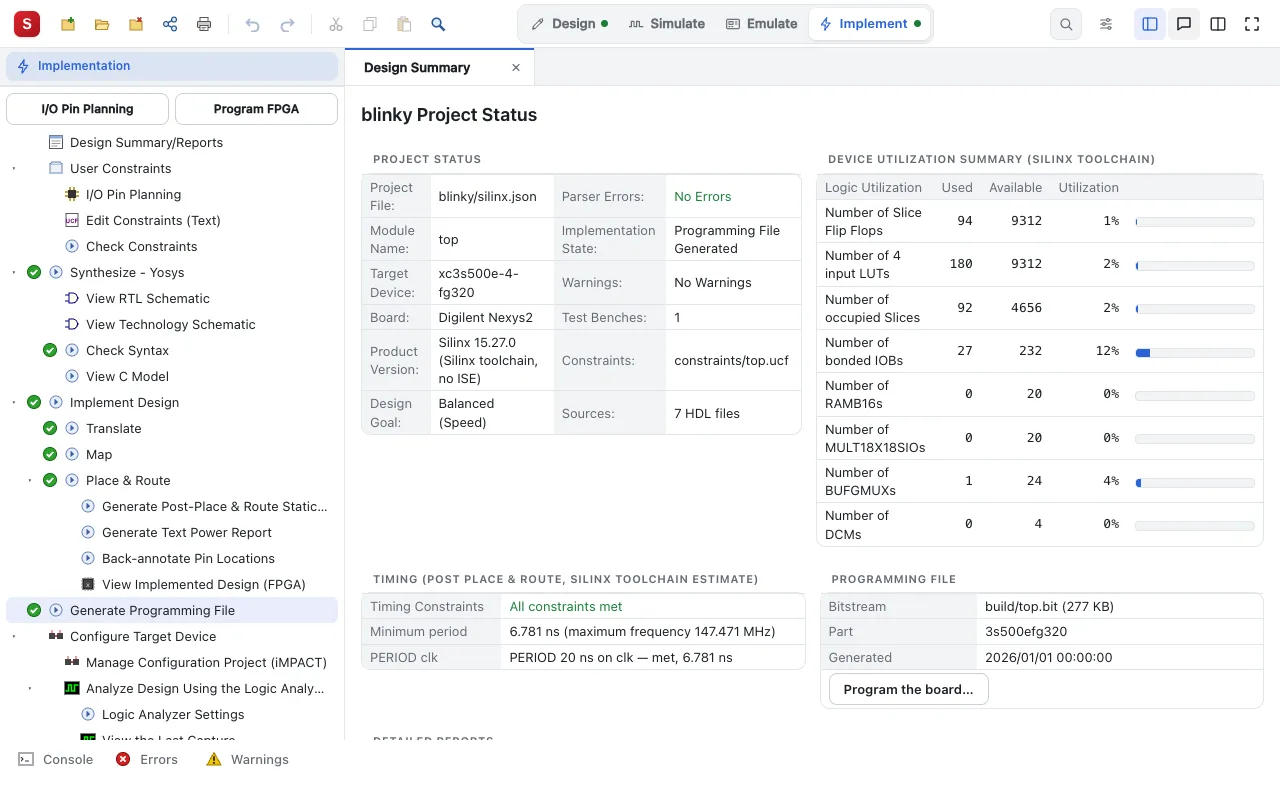 | 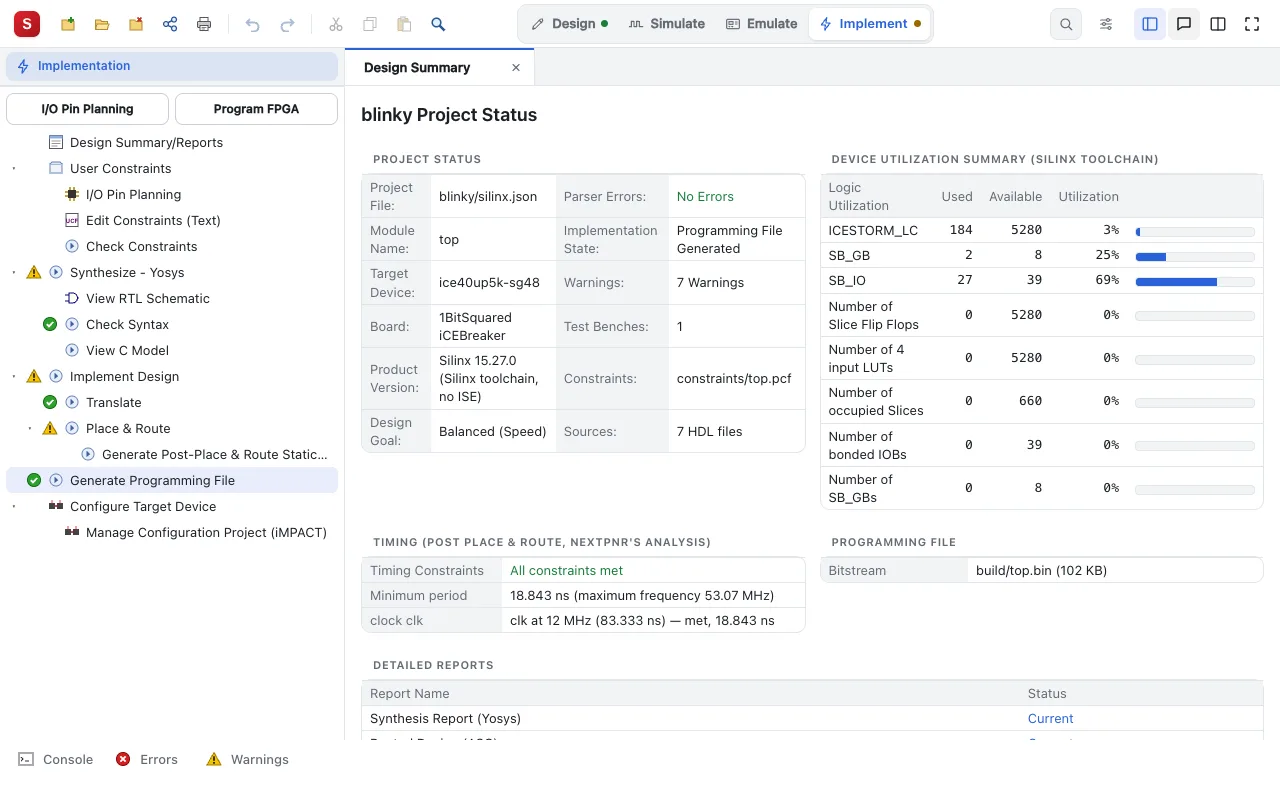 |
The boards
| Family | Boards | Built by |
|---|---|---|
| Spartan-3E | Basys2-100 / 250, Nexys2-500 / 1200 | the Silinx toolchain, or Xilinx ISE |
| Spartan-6 | Nexys3, Atlys | the Silinx toolchain, or Xilinx ISE |
| iCE40 | iCEBreaker | the Silinx toolchain |
| ECP5 | ULX3S | the Silinx toolchain |
| Gowin | Tang Nano 9K | the Silinx toolchain |
| GateMate | Cologne Chip GateMate FPGA Evaluation Board (not programmed from Silinx) | the Silinx toolchain |
| 7-series (an experimental family) | Basys 3, Nexys A7 | the Silinx toolchain, or AMD Vivado |
| 7-series | Arty S7, Zybo Z7 | AMD Vivado |
| every family ISE 14.7 implements | the other Digilent, Xilinx and Numato boards, or a device alone | Xilinx ISE |
Design Properties chooses the board. A design and simulation project has no board: it designs and simulates only.
Building
Implement (the Silinx interface) or the Processes panel (the ISE style one), as in ISE: Synthesize, Implement Design (Translate, Map, Place & Route), Generate Programming File. Then:
- the Design Summary: the resources used, the timing, the warnings;
- View RTL Schematic and View Technology Schematic: the design as Yosys read it, and as it maps it;
- View Implemented Design (FPGA): the placed and routed design inside the chip;
- the slowest paths, stage by stage, back to the lines of the source.
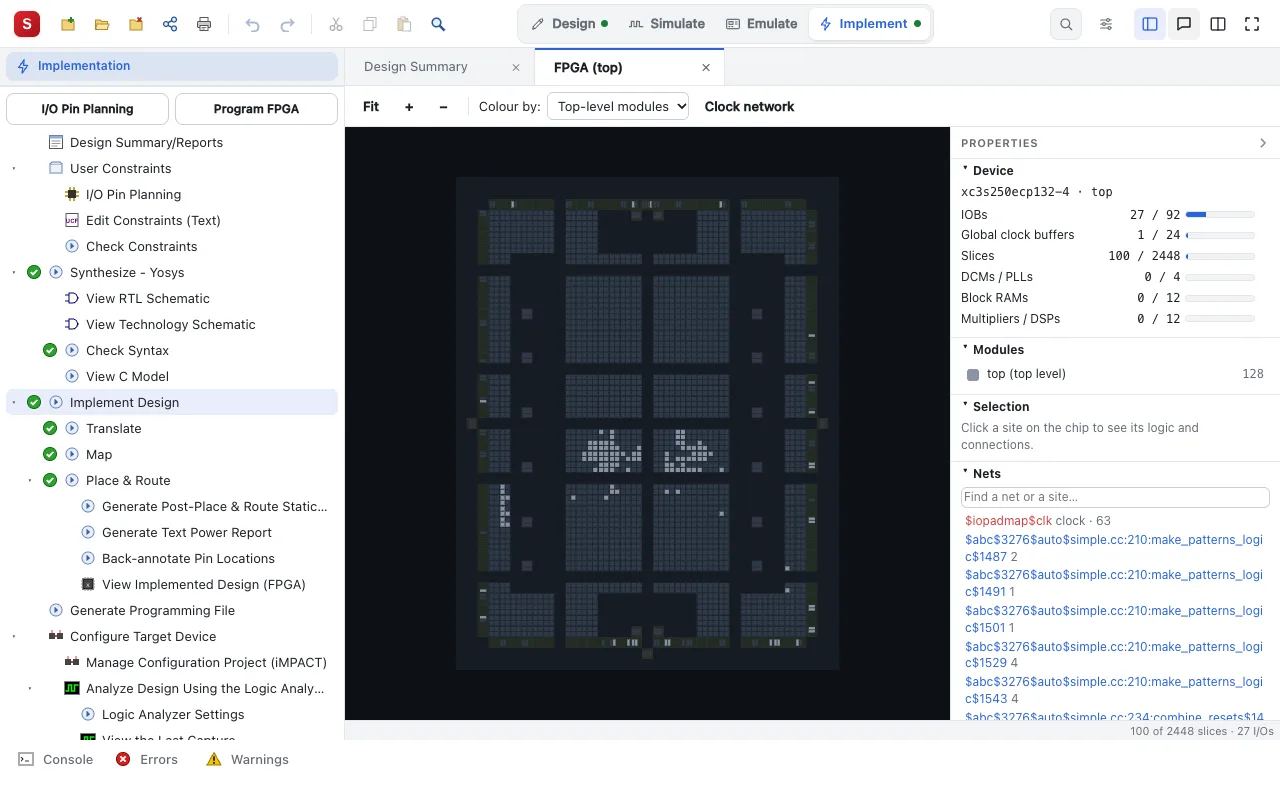
For the Spartan-3E and the Spartan-6, the bitstreams the Silinx toolchain writes for the tested designs are byte for byte the ones ISE writes for the same routing.
Programming the board
From the browser, over USB (Chrome or Edge on a computer, Chrome on an Android tablet): Configure Target Device ▸ Program FPGA. The board's flash (its PROM) too, so that the design starts at power-up. With Silinx running on your computer, the installed tools also work: Digilent Adept, openFPGALoader, xc3sprog, adepttool, ISE's iMPACT.
A logic analyzer, as ChipScope's, watches the signals inside the FPGA as the design runs on the board.
Xilinx ISE 14.7 and AMD Vivado
For the boards the Silinx toolchain does not build for, Silinx runs ISE 14.7 (the free WebPACK edition) or Vivado, which you install yourself, usually in a Docker image. How: the toolchains.
Next: Teaching with Silinx.