The Board Emulator
User's guide · English · Português
The Board Emulator runs the design on a drawing of the real board, wired by its constraints: flip the switches, press the buttons, and watch the LEDs, the 7-segment displays and the VGA monitor, at the board's real speed. No board needed, and nothing to install: it works in the browser, on a tablet too.
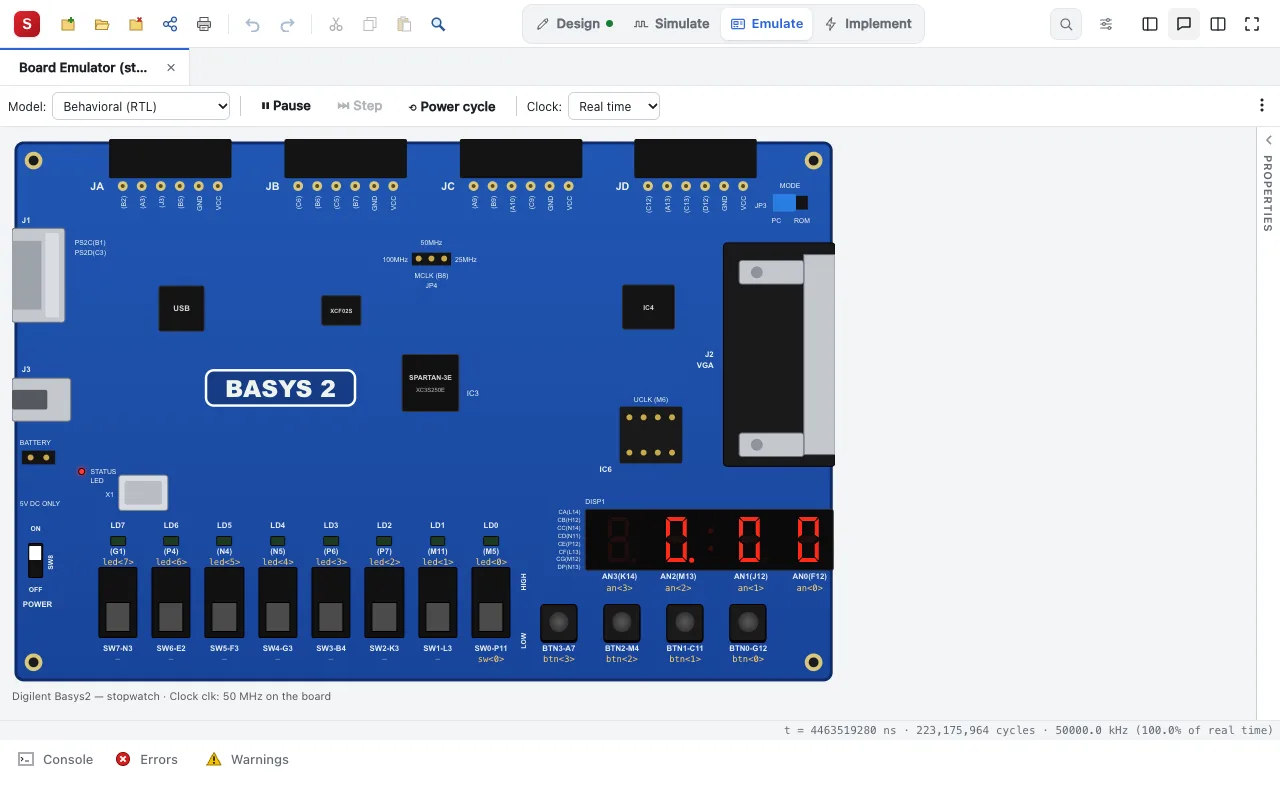
Emulate (the Silinx interface's Emulate task) or Emulate on Board ▸ Emulate Behavioral Model (RTL) (the ISE style interface) opens it on the project's top module.
Boards
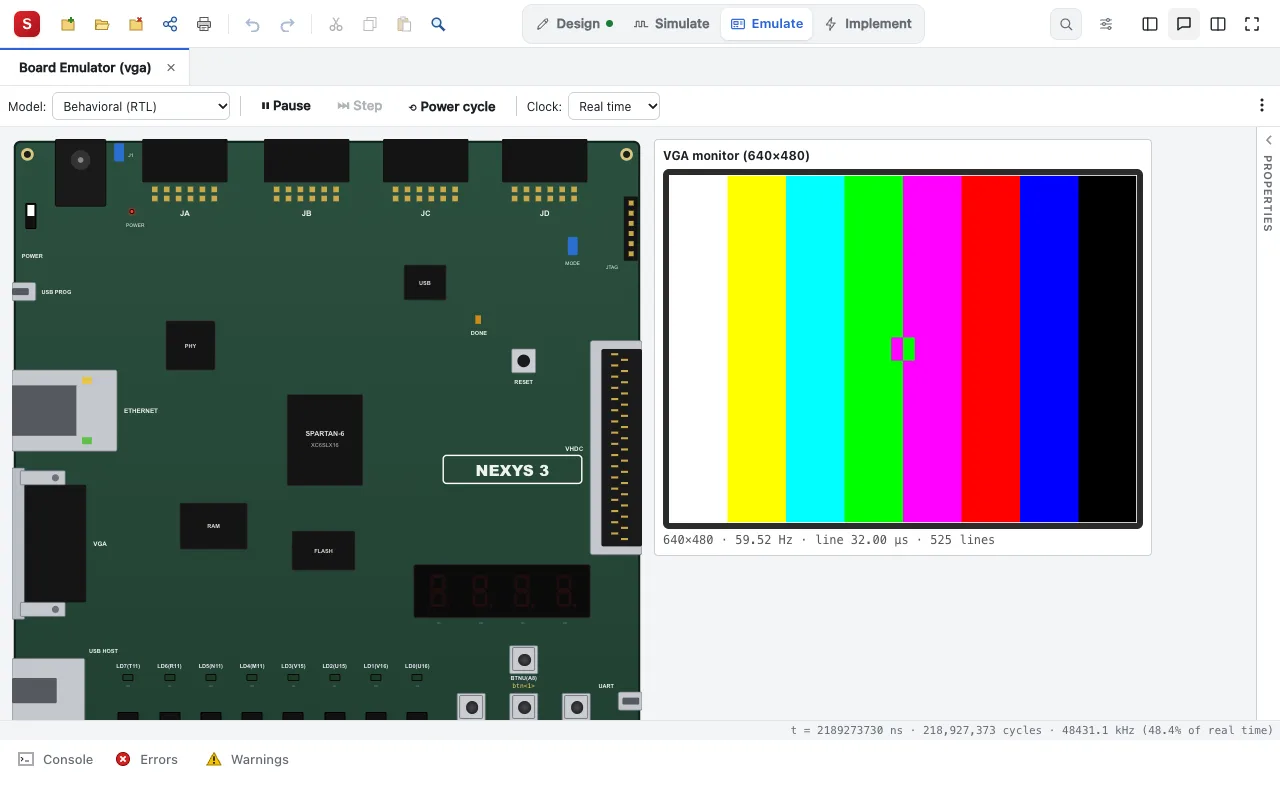
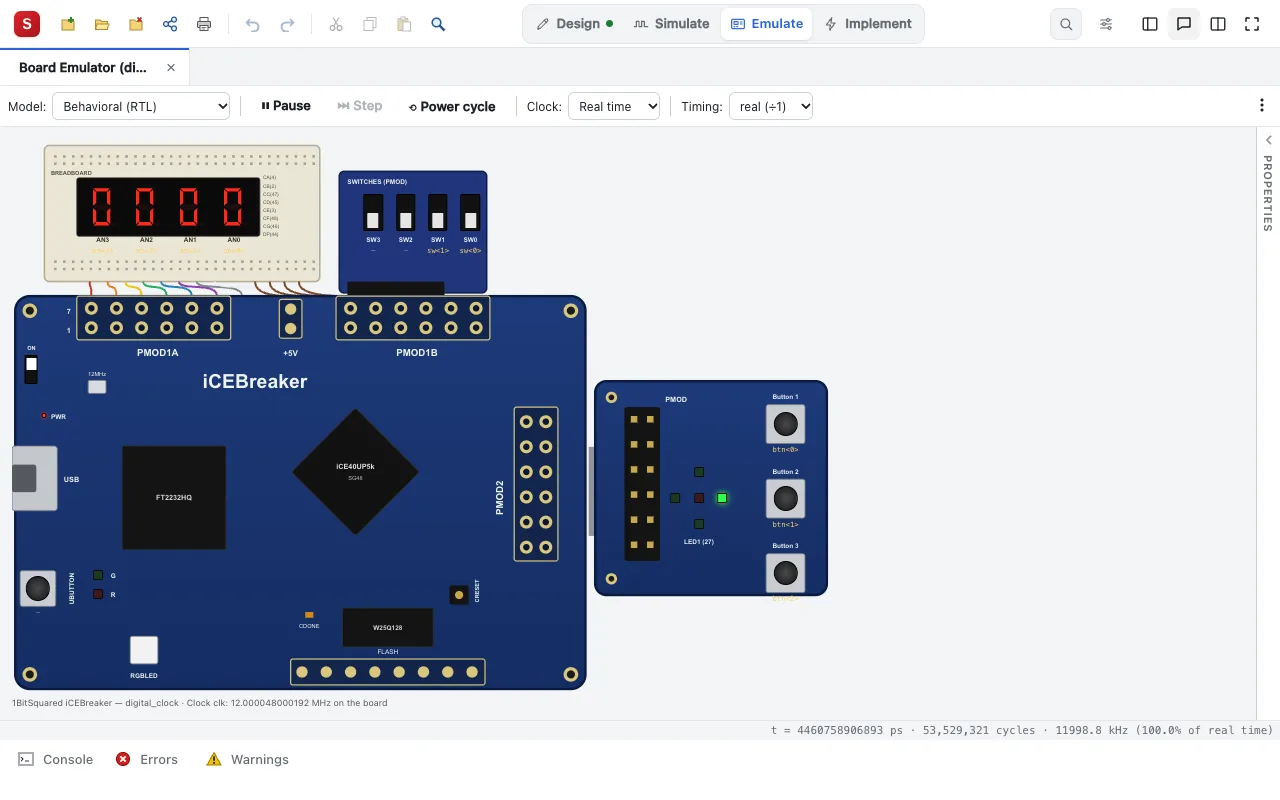
The Basys2, Nexys2, Nexys3, Atlys, Basys 3, Nexys A7, Spartan-3E Starter Kit and iCEBreaker are drawn as they are; the other boards (the ULX3S, the Tang Nano 9K, the GateMate evaluation board, the Arty S7, the Zybo Z7…) get a generic panel.
| A Nexys3 and its VGA monitor (the vga example) | An iCEBreaker and its Pmods (the clock example) |
|---|---|
 |  |
What it shows
- The LEDs, the multiplexed 7-segment display (its persistence of vision), the switches and buttons.
- A VGA monitor: the 640×480 picture the design scans out, its sync timing measured and what is wrong with it said.
- A watch list of internal signals, and the clock rate, real time or slower.
- Two engines: the design compiled (tens of millions of cycles per second), or the event-driven simulation of the HDL, to debug.
It can also run what the tools built (the post-synthesis to post-place & route models), to see that the synthesized design still does what the HDL said.
Next: Boards and toolchains. In detail: the features.